February 2026 · 5 min read
SharePoint Online and the 5,000-Item Limit
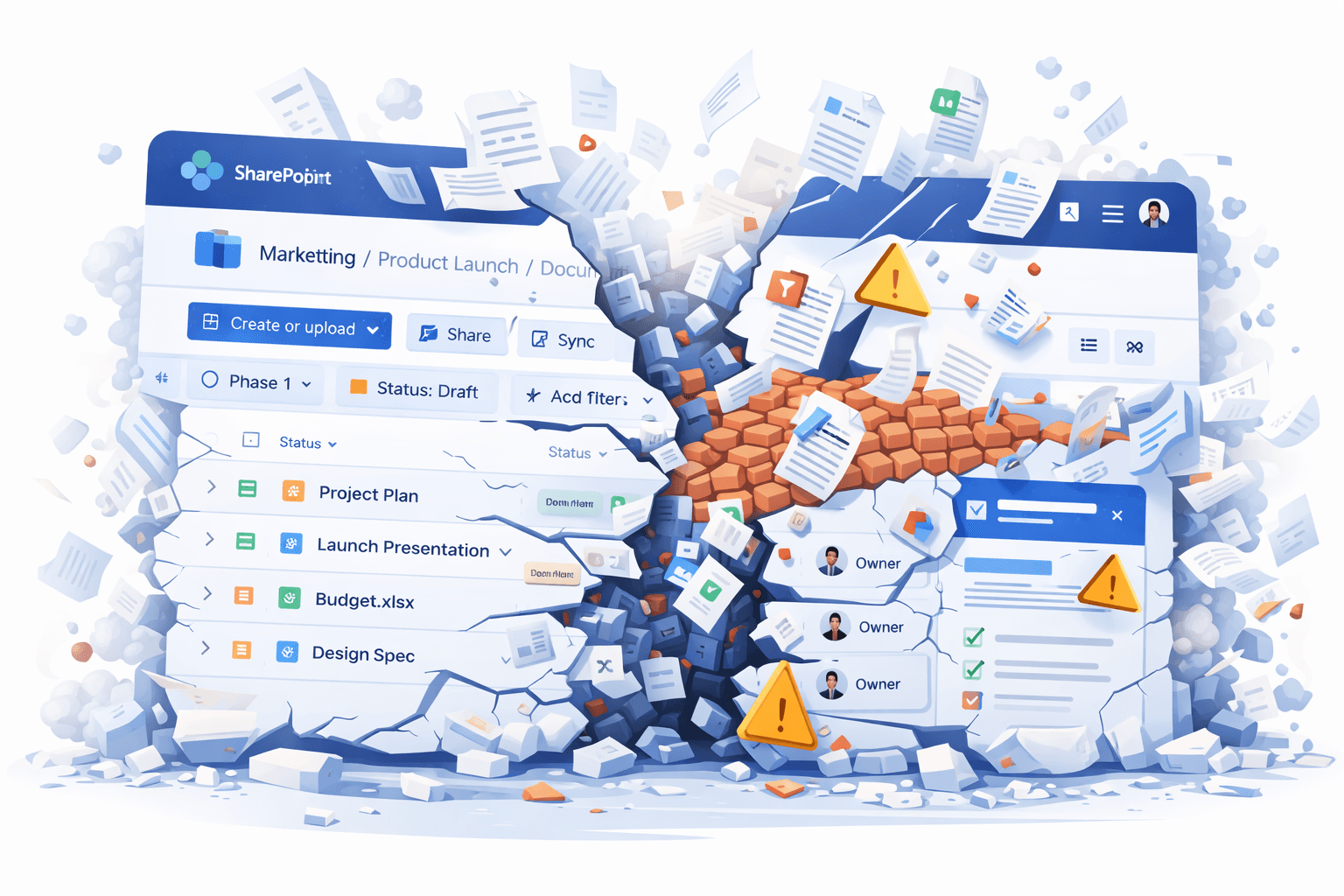
Microsoft states that SharePoint Online lists and libraries can store up to 50 million items.
Technically true.
But practically?
The 5,000-item List View Threshold (LVT) still defines how large lists behave—and where they start to break.
It’s like saying you can put 50 tonnes of bricks in the back of a ute.
Sure—it fits. But the ute won’t survive.
This article revisits the 5,000-item threshold and where SharePoint still struggles at scale.
The 5,000-Item Threshold Explained
The 5,000-item limit is not storage—it’s a query scope limit.
SharePoint won’t process operations that touch more than 5,000 items in a single view or request.
Microsoft recommends:
- Indexed columns
- Filtered views
- Folders or metadata partitioning
- Search navigation
These help—but don’t remove the constraint.
Once a list grows beyond 5,000 items, limitations appear across UI, automation, and APIs.
What Breaks in Real-World Lists
Views become fragile
Even indexed views fail when:
- Results exceed 5,000
- Sorting or grouping invalidates indexes
- Lists grow unevenly
Grouping, totals, and sorting fail
Grouped or aggregated views almost always break once lists exceed the threshold.
Structured libraries don’t avoid it
Metadata, content types, and navigation help usability—but not the underlying limit.
Export to Excel fails
If the view scope exceeds 5,000:
- Export fails
- Even for subsets
- Users assume corruption
Quick Edit and bulk updates degrade
Large lists cause:
- Save failures
- Freezing grids
- Partial updates
Automation and Integration Impacts
Power Automate
Get items:
- Defaults to 5,000
- Max 100,000 with pagination
- Still throttles
Flows often appear successful while skipping data.
APIs, scripts, and migrations
Large lists introduce:
- Throttling
- Pagination complexity
- Partial results
This affects Graph, REST, PnP, and migration tools.
Power BI
Large SharePoint lists are poor analytical sources:
- Slow refresh
- Incomplete datasets
- Throttling
Beyond 5,000: Where Lists Degrade Further
| Items | Impact |
|---|---|
| >5k | View threshold errors |
| >10k | UI slowdown |
| >20k | Settings instability |
| >30k | Search delays |
| >100k | Admin operations unreliable |
| >500k | Index fragility |
| >1M | Manageability collapse |
Supported vs. Usable
Microsoft messaging:
Lists support up to 50 million items.
Reality:
Most organisations hit serious friction between 5k–20k.
Unless you carefully design indexes, partitioning, and automation, large lists quickly become unstable for typical users.
Has Microsoft Fixed It?
Modern SharePoint improved:
- Rendering
- Lazy loading
- Index guidance
- Search UX
But the core 5,000-item database threshold remains.
Final Thoughts
Yes—SharePoint can store millions of items.
But usability degrades long before that.
For most environments, lists begin to struggle well before 50k, let alone millions.
Until SharePoint introduces true large-scale querying and modern data architecture, the 5,000-item limit will continue to shape how SharePoint must be designed.
Let’s be honest:
You can’t claim a platform supports 50 million items
if it struggles with 5,001.