February 2026 · 5 min read
SharePoint Quick Edit: Fast for Metadata, Costly for Versioning and Storage
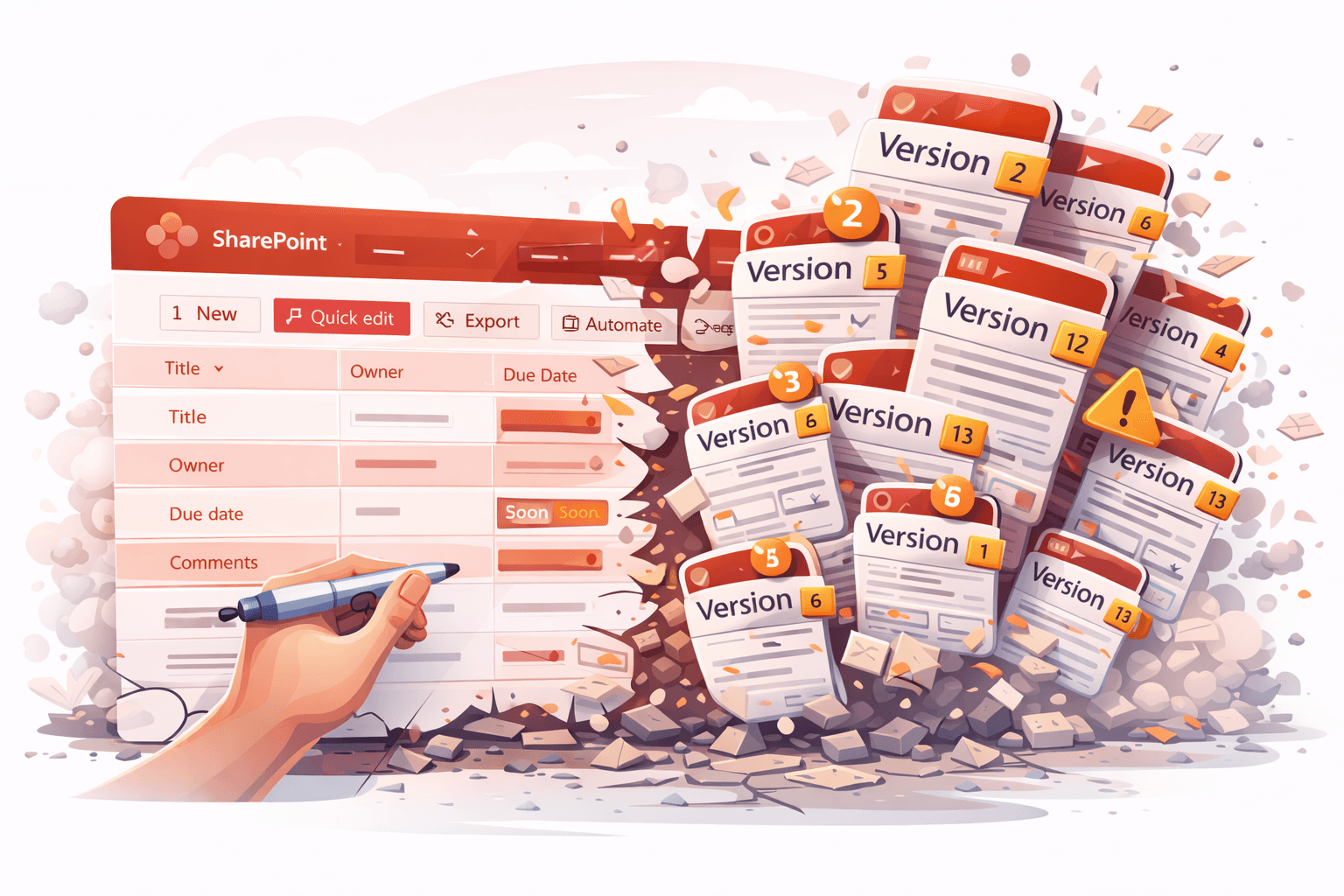
SharePoint’s Quick Edit mode makes bulk metadata updates fast and convenient.
But in libraries with versioning and retention enabled, it can quietly create serious problems for version history, auditing, and storage.
Here’s why.
The Core Issue: Every Field Change Creates a Version
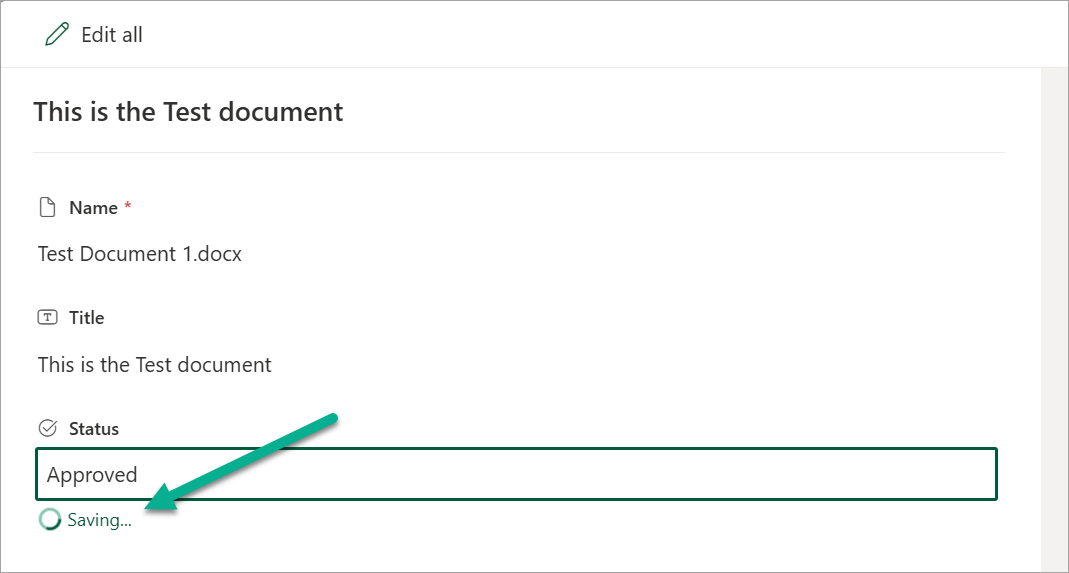
When metadata is edited in Quick Edit, each field change is saved as a separate version.
Example
A user updates:
- Title
- Owner
- Due date
- Comments
Instead of one meaningful update, SharePoint creates four versions—one per field.
Why This Matters
Version history becomes cluttered
Histories fill with trivial micro-changes instead of clear updates, making it hard to understand what actually changed.
Auditing becomes harder
Compliance reviewers see fragmented version trails rather than intentional edits, reducing traceability.
Storage grows unnecessarily
Each version consumes storage—especially for documents.
Across thousands of items, Quick Edit can generate significant version bloat.
No way to control the behaviour
There’s currently no setting to:
- Batch Quick Edit changes
- Delay version creation
- Disable per-field versioning
Even careful users generate excess versions simply by using the feature as designed.
A Better Approach: Separate View and Edit Modes
Modern applications typically separate viewing from editing:
- Open item
- Enter edit mode
- Make changes
- Save once
SharePoint Quick Edit bypasses this model, committing every cell change immediately.
What Microsoft Could Improve
Introduce a controlled edit workflow for bulk edits:
- Explicit edit mode
- Batched field updates
- Single version on save
Benefits of This Change
Cleaner histories
Versions reflect real updates, not keystrokes.
Better governance
Audit trails match user intent.
Lower storage impact
Fewer versions per update across tenants.
Consistent UX
Aligns with Office and modern app behaviour.
Final Thoughts
Quick Edit is valuable—but its current versioning behaviour trades control for speed.
In environments with retention, compliance, or heavy versioning, this creates avoidable noise, storage growth, and audit complexity.
A simple change—batching edits into a single saved version—would significantly improve governance and version management across SharePoint.