February 2026 · 5 min read
SharePoint Document Library Updates: A Smarter, Cleaner, AI-Powered Experience
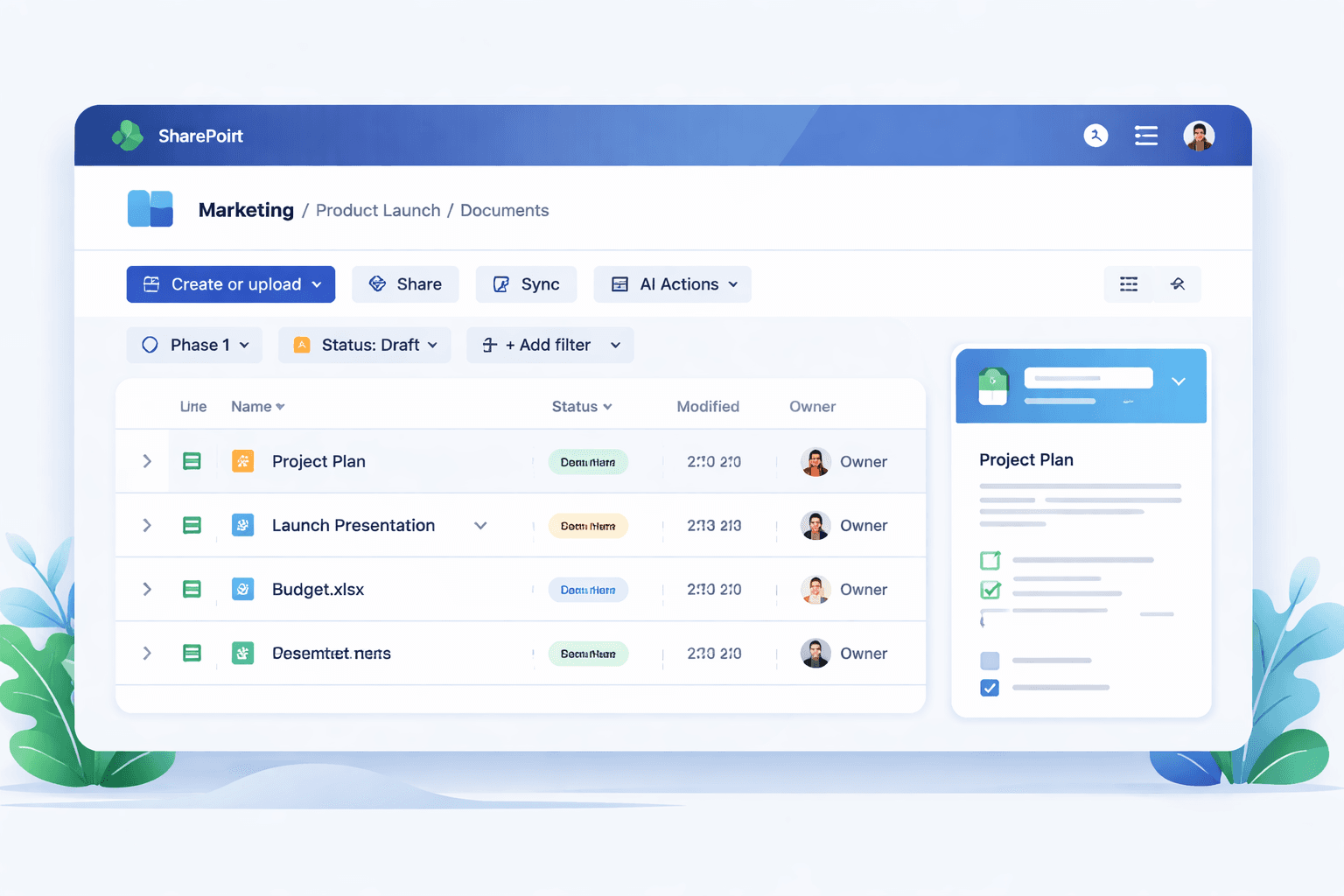
Microsoft has introduced a major refresh to SharePoint document libraries across Microsoft 365. Rolling out globally from late 2025 through early 2026, these updates modernise the user experience, embed Copilot-powered AI directly into libraries, and introduce entirely new ways to collect and manage documents.
While none of these changes completely redefine SharePoint, together they signal a clear shift: document libraries are evolving from static repositories into intelligent, structured content hubs for AI-enabled work.
A refreshed document library experience
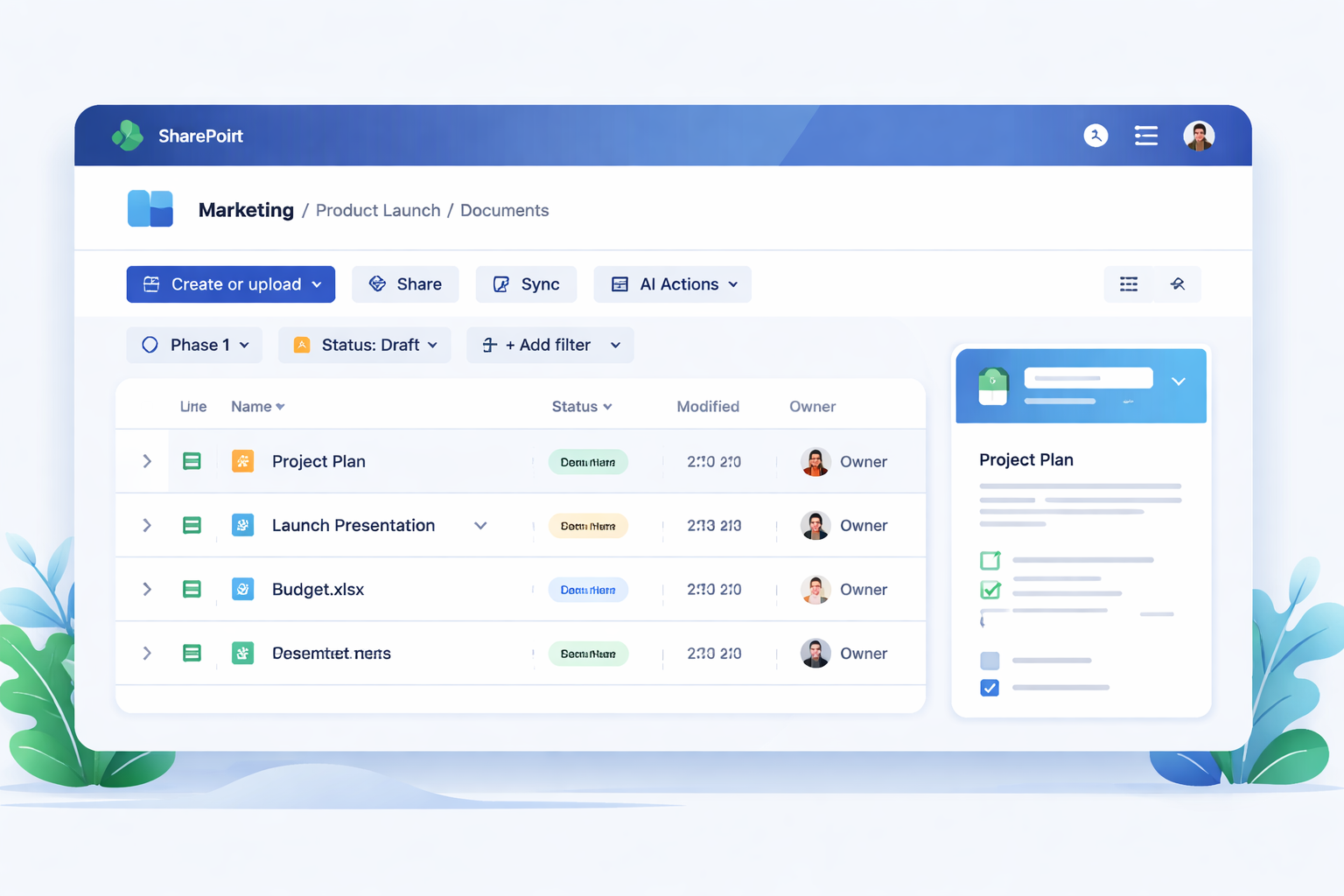
The most visible change is a redesigned library interface inspired by OneDrive. Microsoft has streamlined navigation and surfaced key actions to reduce clutter and improve discoverability.
Key UX changes
- Simplified command bar – “New” and “Upload” are merged into a single Create or Upload button.
- Enhanced breadcrumb navigation – clearer folder context and quick jumps to parent locations.
- Filter pills and visible views – applied filters and custom views are now surfaced prominently.
- New Options menu – layout, grouping, and field settings consolidated in one place.
These updates are rolling out worldwide from January 2026 and do not break existing SPFx or formatting customisations.
Why it matters:
The library UI now behaves more like a modern file explorer—faster to navigate, easier to filter, and less reliant on deep menus.
AI actions: Copilot inside document libraries
One of the most significant advances is the introduction of AI Actions directly in the library command bar.
With Copilot licensing, users can now:
- Summarise documents without opening them
- Ask questions about file content
- Generate insights across multiple files
These AI actions are already generally available to Copilot premium subscribers.
Why it matters:
Libraries are becoming AI-aware content spaces, not just storage. This aligns with Microsoft’s broader vision of SharePoint as the content backbone for Copilot and knowledge work.
Forms in document libraries: structured document collection
Another major addition is Forms for document libraries.
This feature lets you create submission forms that:
- Collect documents from users
- Capture required metadata
- Route content into the correct library location
Essentially, it brings list-style structured data capture into document libraries themselves.
Use cases
- Policy or contract submissions
- Vendor or HR document intake
- Controlled external uploads
Why it matters:
This bridges the long-standing gap between document libraries and lists—structured capture meets file storage.
What’s changed in day-to-day use
Across the experience, Microsoft focused on reducing friction in common tasks:
- Faster filtering and view switching
- Clearer folder hierarchy awareness
- Fewer clicks to upload or create content
- More consistent behaviour with OneDrive
These usability improvements were driven by customer feedback on navigation and discoverability challenges in large libraries.
Rollout timeline and availability
- Targeted release: Nov–Dec 2025
- General availability: Jan–Feb 2026
- AI actions: already GA for Copilot tenants
- Forms: rolling out through early 2026
What this means for SharePoint governance and architecture
For organisations managing large-scale SharePoint environments, these updates have several implications:
1. Libraries become AI entry points
Users will increasingly interact with content through Copilot rather than navigation.
2. Metadata capture becomes easier
Forms lower the barrier to structured document submission.
3. UX consistency improves adoption
Closer alignment with OneDrive reduces training overhead.
4. Governance shifts from structure to intelligence
As filtering and AI improve, rigid folder hierarchies matter less.
Final thoughts
The 2025–2026 SharePoint document library updates are not just a UI refresh—they represent a strategic evolution of SharePoint into an AI-native content platform.
Libraries are now:
- Cleaner to use
- Smarter to search
- Structured to capture
- Ready for Copilot
For organisations already investing in SharePoint as a knowledge and content platform, this update strengthens its position as the central hub for Microsoft 365 content and AI-driven collaboration.